The platform
One account. Every door.
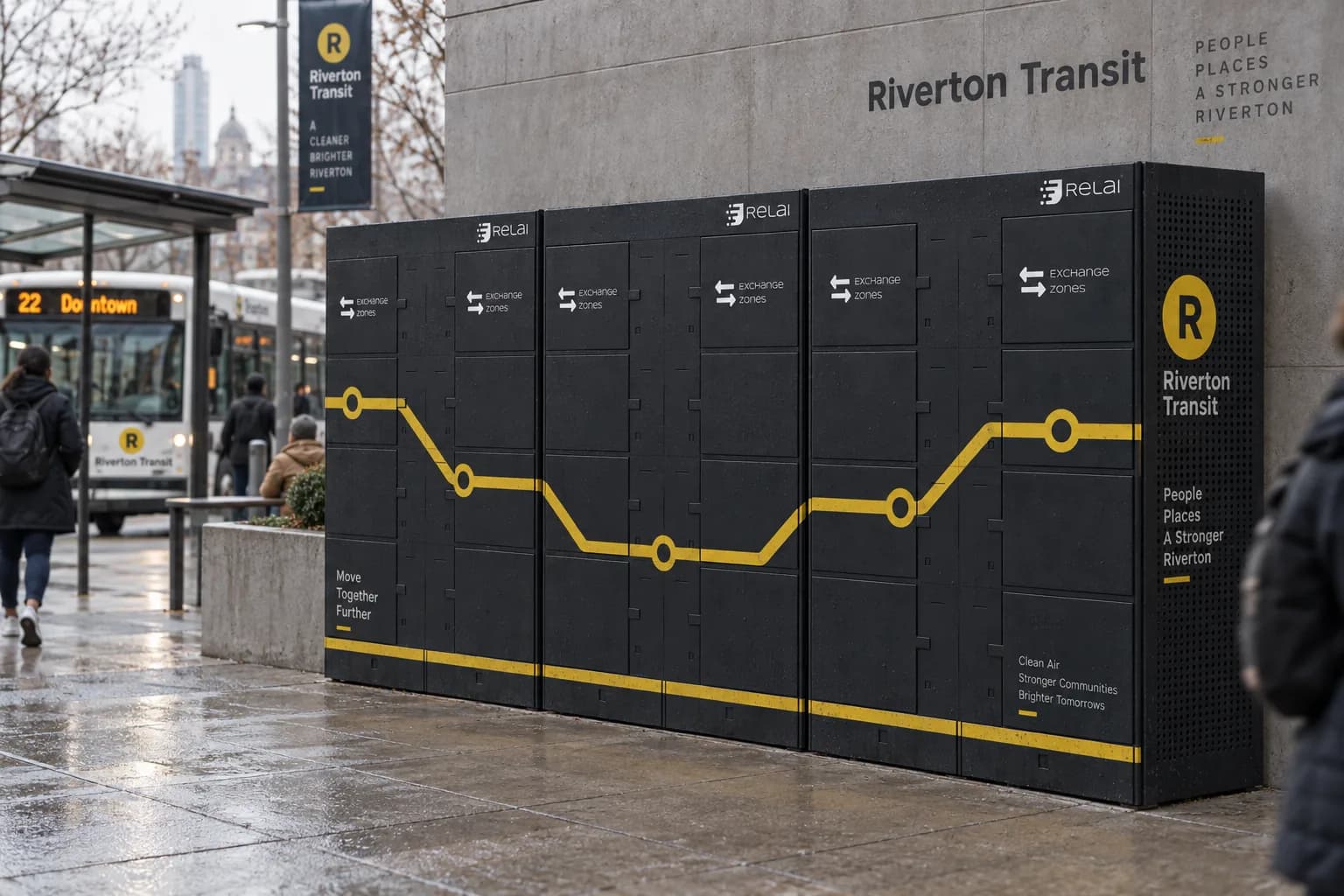
Every compartment that opens, every app that opens it, and every location it sits in is authorized and configured in one place. People open through an EZ App, EZ Hosts choose their compartments, Relai 3 partners build on the SDK, and affiliates earn a share of what their locations do.
One system behind every door
Four roles, one workspace.
People
Open a compartment through an EZ App. Relai Access authorizes the open, so nothing depends on a code being passed around.
EZ Hosts
Choose the compartments and the finish a location needs, watch how it is used, and adjust the mix over time without replacing the tower.
Relai 3 partners
Build a custom EZ App on the SDK against simulated Exchange Zones, then request hardware when the workflow is ready.
Affiliates
Earn a share of what the locations you bring in go on to do.
For builders
Build in the sandbox
Every app you create comes with sandbox keys and its own simulated Exchange Zones. Simulated opens are not billed, so you can build and test the whole flow before any hardware is involved.
Ship with the SDK
@relai-team/access-sdk handles end-user sign-in, Exchange Zone discovery, orders, and the unlock flow. Relai authorizes and mints every open server-side, so your app never holds a key.
Configure and run live Exchange Zones
Once hardware is approved, the same workspace configures it and runs it: compartments, activity, access, locations, and revenue for hosts, Relai 3 partners, and affiliates.
How it starts
From sign-up to a working app, without waiting on hardware.
- 01
Sign in and onboard
Create an account, onboard as a Relai 3 partner, and request SDK access. It approves instantly.
- 02
Create your app
Choose a subscription and create an app. Its sandbox keys and simulated Exchange Zones are provisioned right then.
- 03
Build against simulation
Run the full drop-off and pick-up flow, including orders and opens, with no hardware and no billed opens.
- 04
Request hardware
When the app is ready, request hardware access for it. Real Exchange Zones use the same routes you already built against.
Quick start
A few lines to open a compartment.
Install the SDK, point it at a sandbox key, and the same calls that run against simulated Exchange Zones run against real ones later. Full reference, error codes, and the integration checklist are in the docs.
import {
  RelaiClient,
  SimulatedTransport,
  Intents,
} from "@relai-team/access-sdk";

const relai = new RelaiClient({
  publishableKey: "pk_sandbox_...",
});

// Pittsburgh
const [ez] = await relai.exchangeZones.near({
  lat: 40.4406,
  lng: -79.9959,
});

const order = await relai.orders.create({
  exchangeZoneId: ez.id,
});

await relai.unlock({
  orderId: order.id,
  intent: Intents.Occupy,
  transport: new SimulatedTransport(),
});
Built for coding agents
Point your assistant at the contract, not at a guess.
Relai Access publishes llms.txt and an OpenAPI spec so a coding tool can read exact request and response shapes instead of inventing them. The docs also ship two copy-paste starting prompts, one for a new app and one for adding Relai to an existing app, each naming the mistakes an assistant tends to make.
FAQs
Simple answers before you open a door.
Relai is built to feel familiar: choose an app, find a place, open a compartment, and complete the handoff.
Relai Access is the hub for Exchange Zones. It handles onboarding, dashboards, and the platform API for end users, EZ Hosts, Relai 3 partners, and affiliates. It is also where you get SDK keys and manage the apps you build.
A full simulation of the network. Your app gets its own simulated Exchange Zones and a simulated transport, so orders, opens, and the whole drop-off and pick-up flow behave the same as production. Simulated opens are not billed.
No. Build and verify everything in the sandbox first. Hardware access is a separate request you make for that same app once it is ready, and the routes do not change when you switch.
Anyone using Exchange Zones: people opening a compartment through an EZ App, hosts running locations, partners building custom apps, and affiliates earning a share.
We open doors
Start building today.
Onboarding is self-serve and SDK access approves instantly.